The right ramp matters.
A nearby exit is not the same exit. Check each permit row so the approved route follows the roads on your document.
 Route on Permit
Join the waitlist
Route on Permit
Join the waitlist
OHIO FIRST / EARLY DEMO
Built around the permit.Oversize load. Specific roads.
A route that stays put.
Turn your state permit into a route you check, approve, and lock before you drive.
Get on the list

 Route on Permit
Scroll to follow
The state permit sets the roads. Start with that document.
Compare every route row with your permit before moving on.
You approve the route. After that, it cannot change by itself.
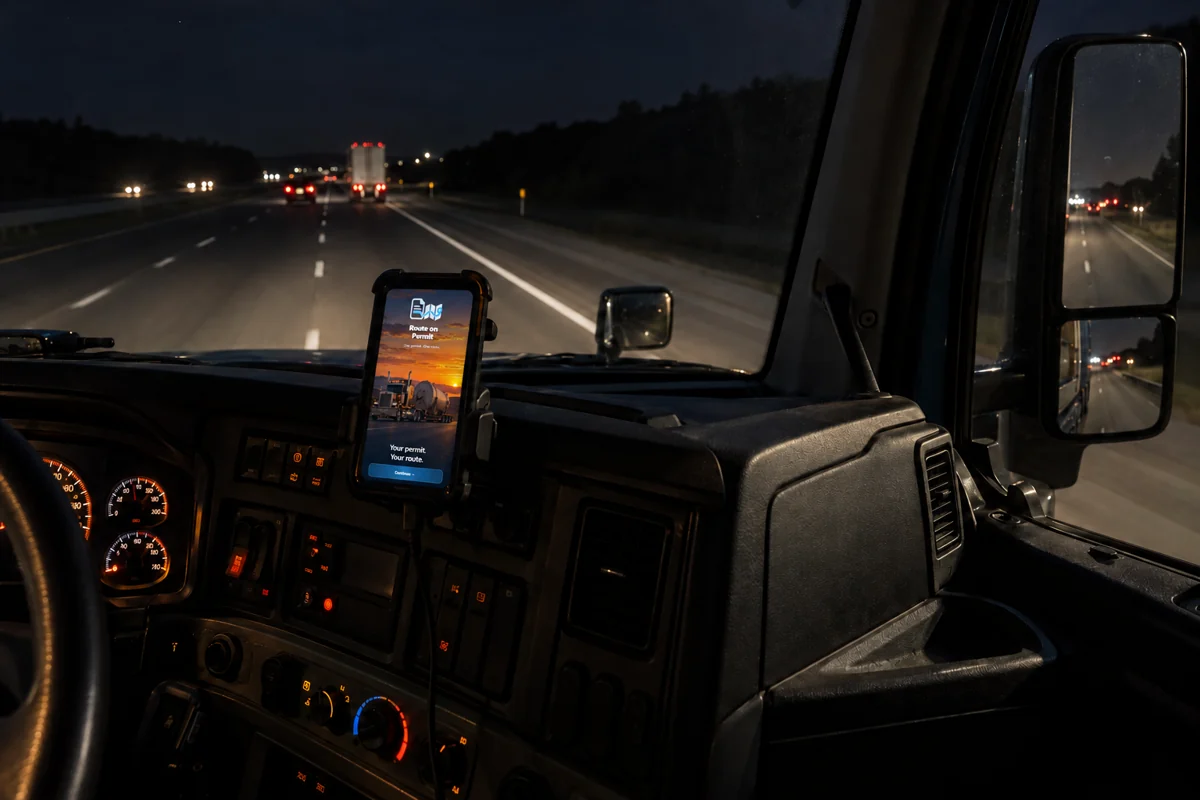
The phone warns when you leave the permitted route and continues when you return. No automatic new route.
Early demo. Film based on the app opening artwork.
02 / KEEP TO THE PAPER
The permit decides the roads.
The routing engine does not.
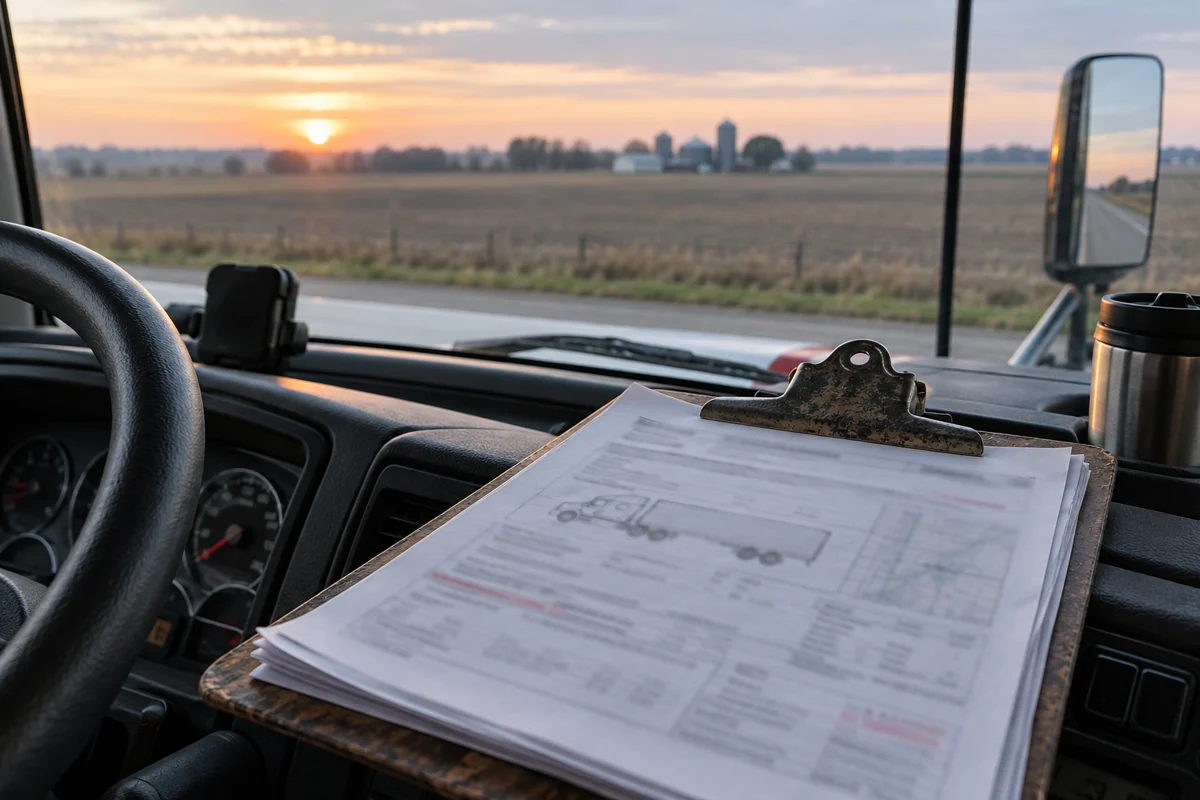
A nearby exit is not the same exit. Check each permit row so the approved route follows the roads on your document.
A general navigation app may offer another way. Route on Permit keeps the route you approved and never builds a new one by itself.
Knowing whether you stayed on the permitted route matters. Route on Permit is being built around that route; proof-of-travel records are not available in this early demo.
A LOOK INSIDE
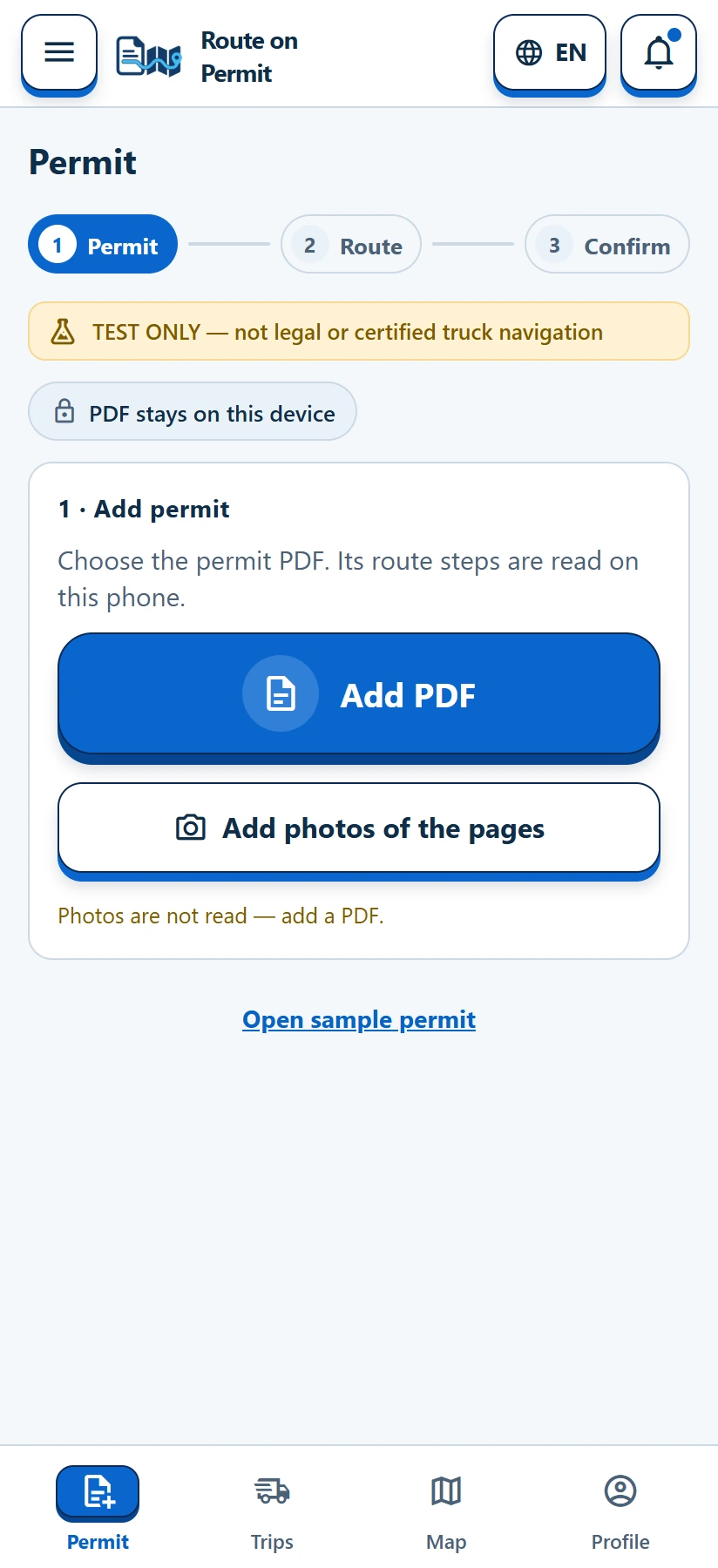
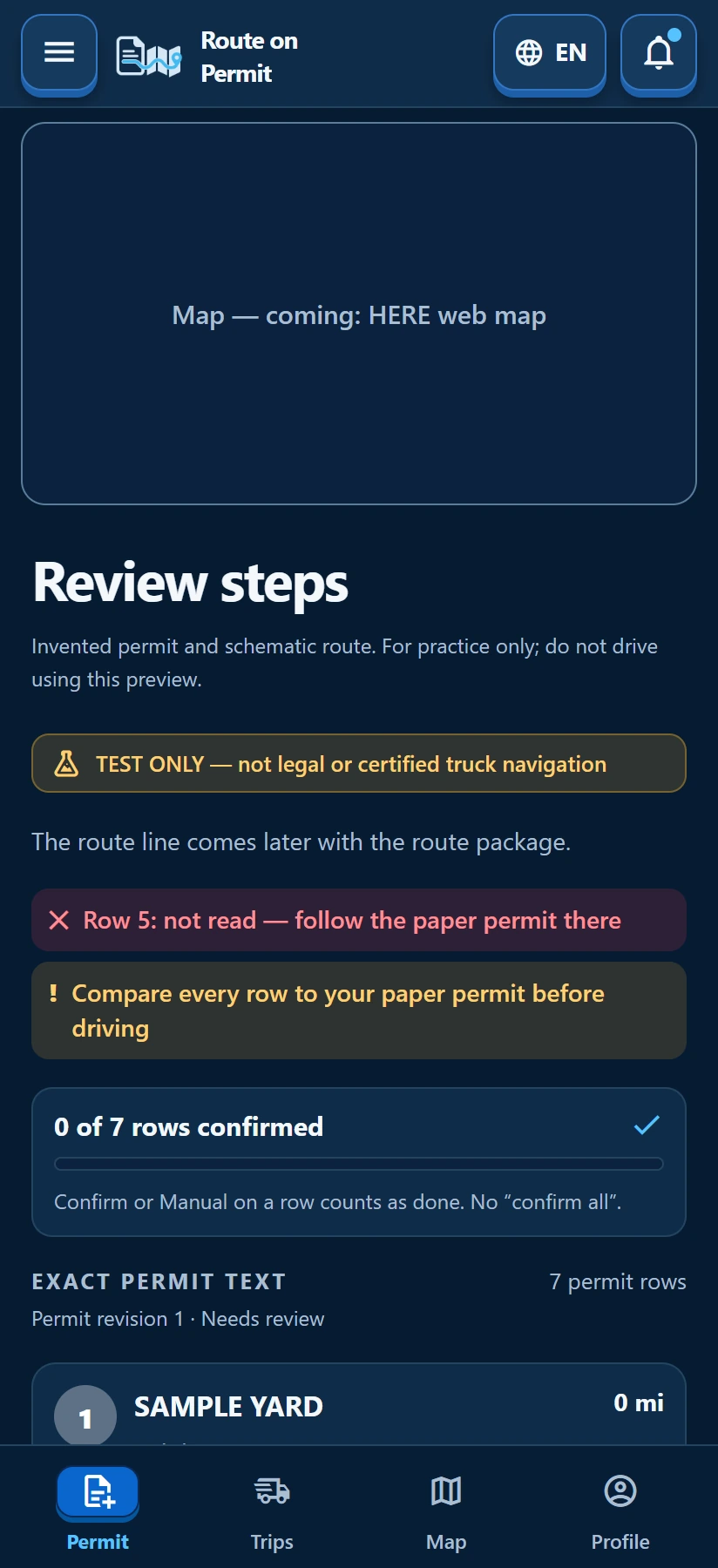
Every row deserves a look.
The driver stays in control.
Actual demo screens.
Sample data. Map is a placeholder.
03 / DOWN THE ROAD
Planned drive features.
They are not ready to use yet.
04 / BEFORE YOU ASK
Early days. Clear limits.
Ohio first. Other states are planned for later.
No. Keep your state permit and follow its requirements. Route on Permit is an early demo, not legal or certified navigation.
No. The route stays locked after your approval. The intended drive flow warns when you leave it and continues when you return.
Offline use is not confirmed for this early demo. We will explain connection requirements before a driving release.
There is no release date yet. Use the contact link below to ask about the demo or express interest.
05 / HELP SHAPE THE DEMO
Tell us what needs work.
We want to hear from drivers.
NEXT EXIT / KEEP IN TOUCH
Ohio is the starting point.
Leave us a note about what you haul.
Opens your email app. No sign-up form.
Contact: info@honortenet.com.